Performer one
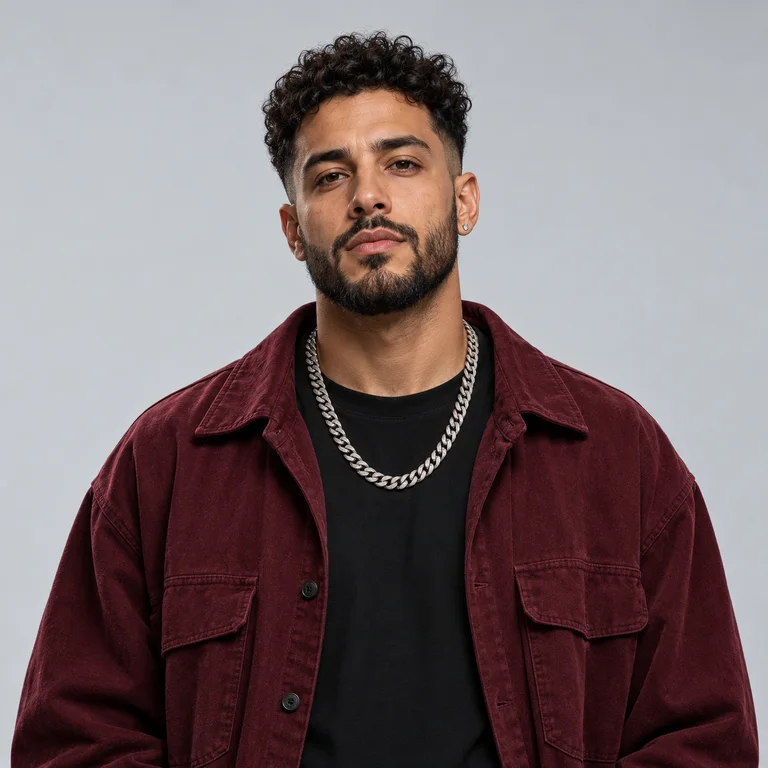
Use a clear, front-facing photo with the full head visible and simple lighting.
Turn two photos into a high-energy duo performance in the orange studio. One microphone, two performers, and a camera that moves with the beat.
Create your video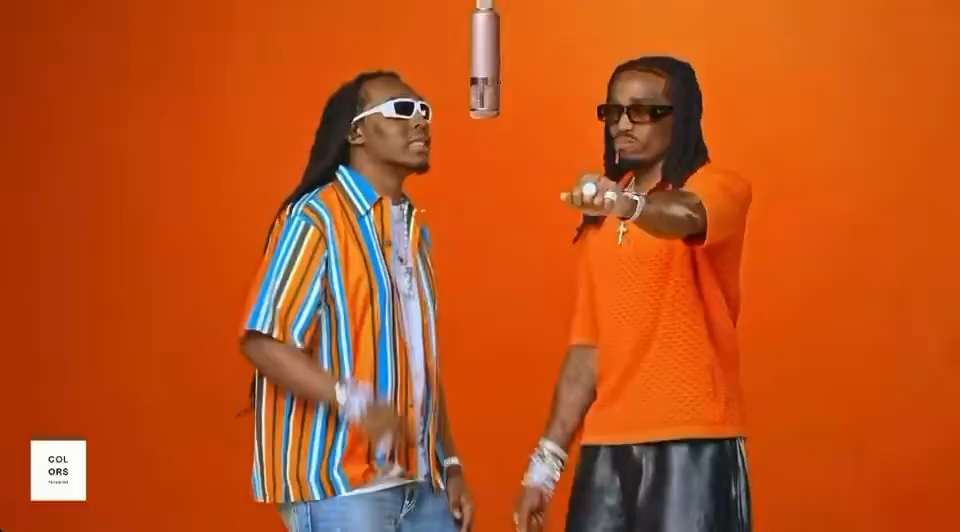
See how two separate portraits become distinct performers while the studio, camera rhythm and duet structure stay consistent.
The effect follows a clear 30-second performance arc, while shorter generations use the strongest moments.
Both performers enter the orange studio and find the hanging microphone.
The camera alternates between close-ups while each performer takes a line.
Gestures, reactions and side-by-side movement make the performance feel shared.
A wider final take lands the hook with both performers in frame.
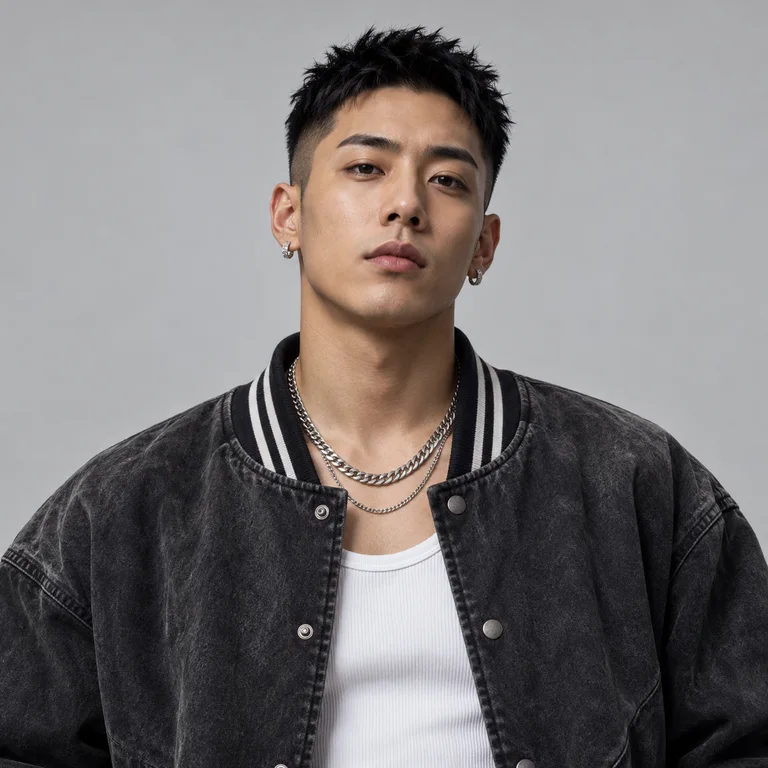
The two uploads map to separate performers. Use visibly different people and keep both faces unobstructed.
Use a clear, front-facing photo with the full head visible and simple lighting.
Choose a different person in a similarly framed photo so both identities stay distinct.
Choose the Hotel Lobby effect.
Add one clear photo for each performer.
Pick a length and aspect ratio, then generate.
It turns two portrait photos into a staged AI rap performance inspired by a minimal orange studio and a shared hanging microphone.
You need two photos, one for each performer. Separate photos give the model a clearer identity reference for each role.
You can create a 5-second preview, a 15-second clip, or a video up to 30 seconds, depending on the option you choose.
Use sharp, well-lit portraits with an unobstructed face. Avoid group photos, sunglasses, heavy blur and cropped foreheads.
Yes. When generation is complete, the result is saved to your history and can be downloaded as a video file.