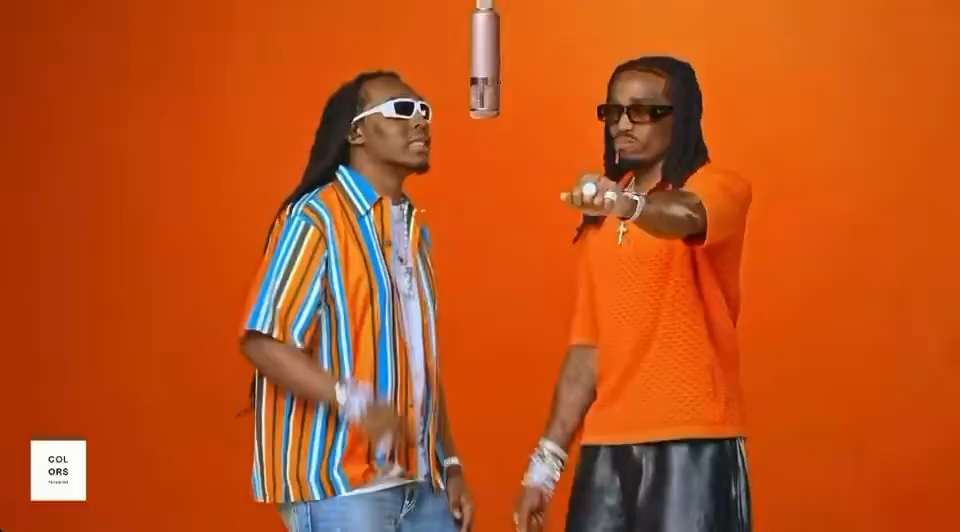
The orange studio
A color-filled room and a hanging mic put the performers front and center.
Choose an AI music video effect, add your photos, and turn yourself or a friend into the performer.
Reference previews show the original artists, not generated results. Bulin 47 links to the later “Dame Hombro” song video.
Start with the unmistakable Hotel Lobby performance.
A color-filled room and a hanging mic put the performers front and center.
Add two separate portraits, one for each performer in the scene.
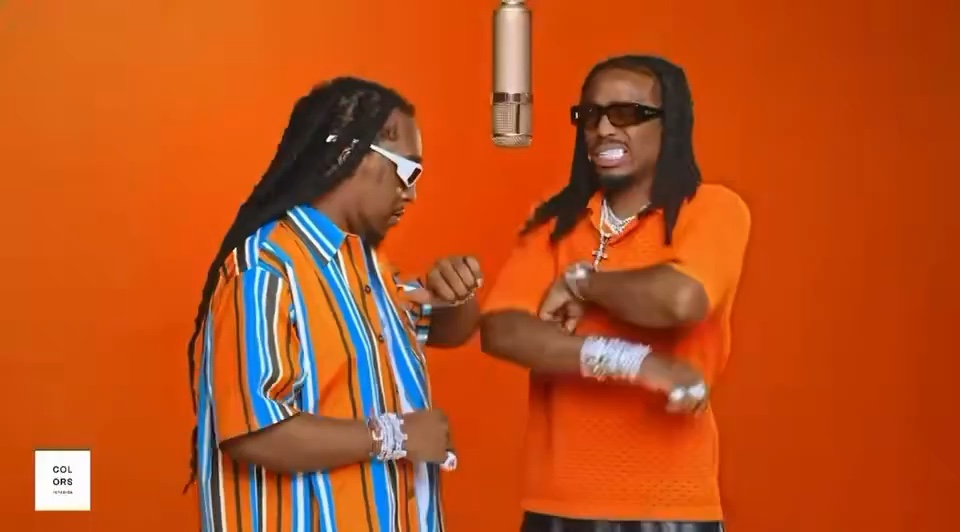
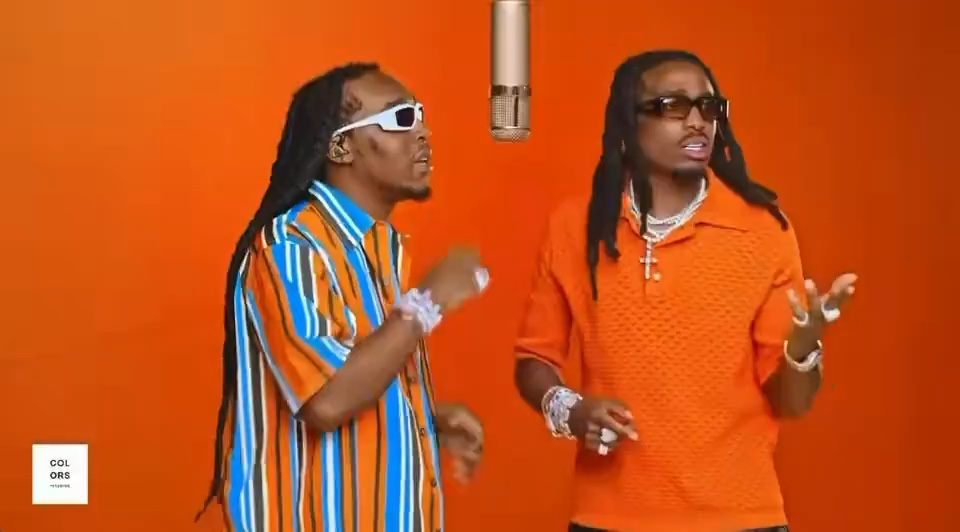
Play the full reference to explore the movement, framing, and rhythm.
Jax and Kai start as two separate portraits. ReclipMuse puts them together in a Hotel Lobby-inspired duo performance.
Try it with your photos ↗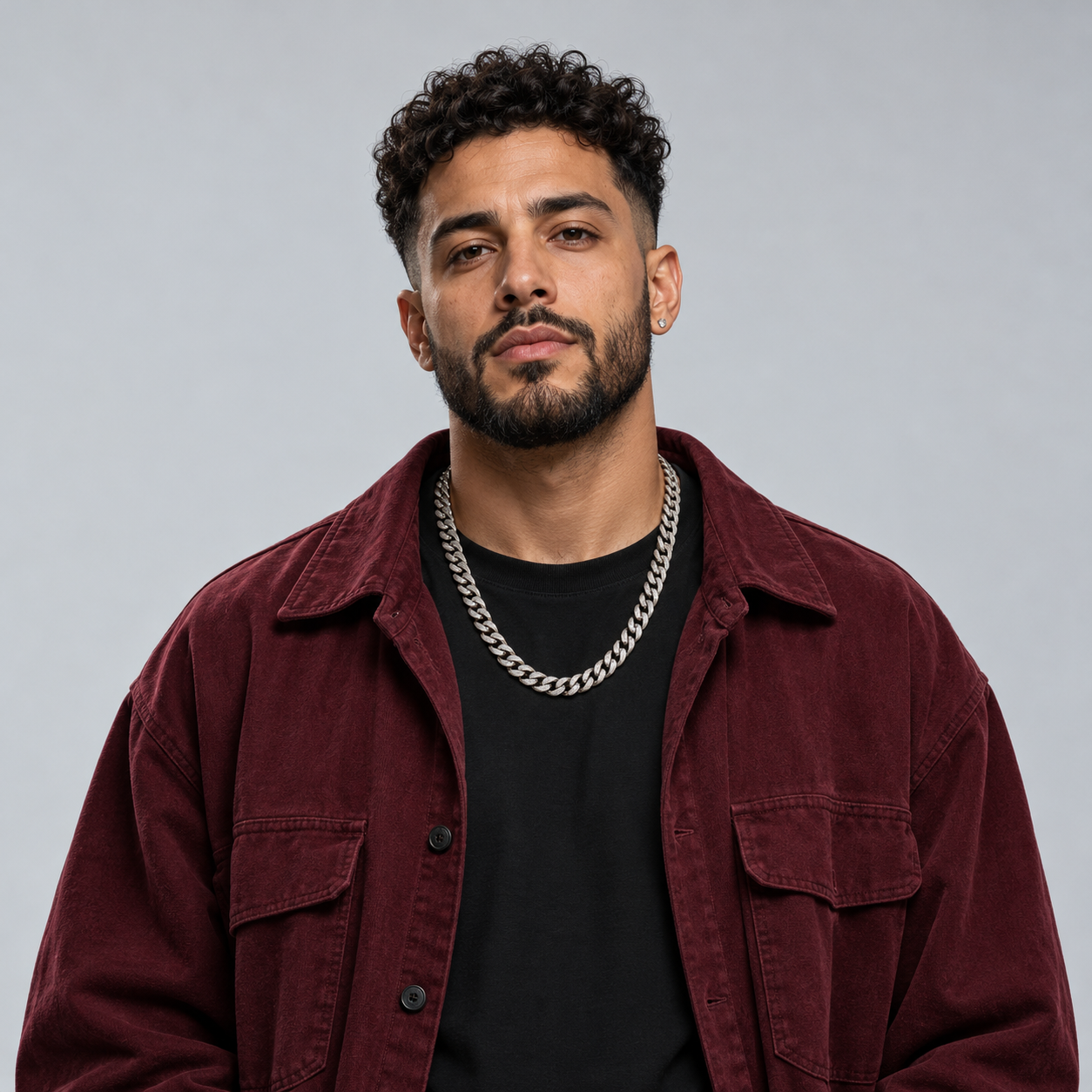 Photo 1 · Jax
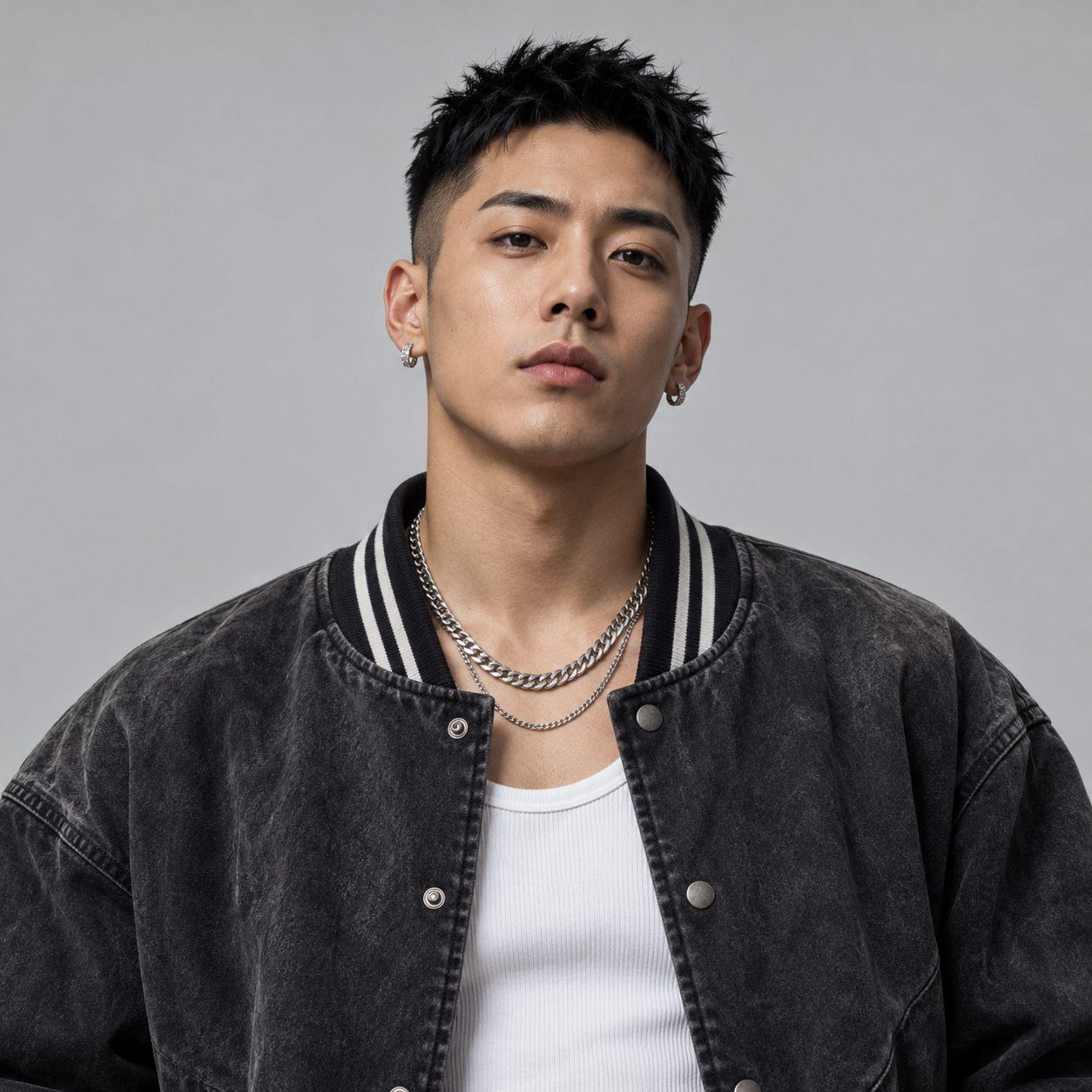 Photo 2 · Kai
Turn your photos into AI rap videos, with more music video effects to explore.
Choose an effect, add a photo for each performer, and let the selected scene guide the visual style and movement. There is no performance to record and no prompt to write.
Less setup between the idea and the performance.
Use a clear portrait from your camera roll. You do not need to record yourself performing.
Watch the original performance to understand the scene before choosing a template.
The template defines the performance direction. No separate lyric editor or prompt is required.
Two portraits, one for each performer in the scene.
Choose an effect, preview the style, then bring your own photos.
See the scene, number of performers and visual style before adding your photos.
Upload, replace, or remove a photo for each performer.
Photo previews and concept cards stay in your browser.
Upload two photos and place both people in the same scene to create a complete 30-second AI rap video.
Three steps, with the settings handled by your template.
Browse the available effects and preview their scene and performance style.
Upload a clear portrait. Duo templates take two photos.
The template guides the scene and performance. Preview your result and save your video.
A few ways to personalize a rap-video concept.
Make a familiar duet the starting point for something personal.
Choose a duo effect and give each performer a separate photo.
Make a concept for a friend’s birthday, a milestone, or a shared joke. Use photos you have permission to use.
Photos, templates, and how it works.
It uses your photos as visual references for a rap-performance video. This site uses a template-based flow: choose a reference scene, add the performer photos, and generate.
Choose a template, upload a clear portrait, and press Generate video. Duo templates ask for two portraits. Video generation must be configured by the site operator; the separate local demo creates a static concept card.
No. Your template sets the scene and performance direction. You only need to choose a template and add your photos.
Yes. Duo effects use two photos, one for each performer.
The main player shows a 30-second excerpt of the real performance shared by Quavo. The Real Generated Example section below shows an actual result featuring Jax and Kai.
Use a clear, front-facing portrait in good light, with one person per photo. JPG, PNG and WebP files under 10 MB and at least 300 × 300 pixels are supported.
The result follows the template scene and performance rhythm. Background, identity, movement and lip sync may still vary.
Previewing photos and running the local demo stays in your browser. When you press Generate video, your prepared photos are sent to the configured video service to process the task.
Start free, then choose a one-time pack when you are ready to make a full 30-second AI rap video.
Explore the creative flow before generating.
1 × 30-second video · $9.90 per video
5 × 30-second videos · $7.80 per video
One-time purchase · Credits never expire · Failed generations are free. Payments are not available yet and no charge is collected here.
Choose an effect, add your photos, and put yourself in the performance.
Create your AI rap video ↗