Performer one
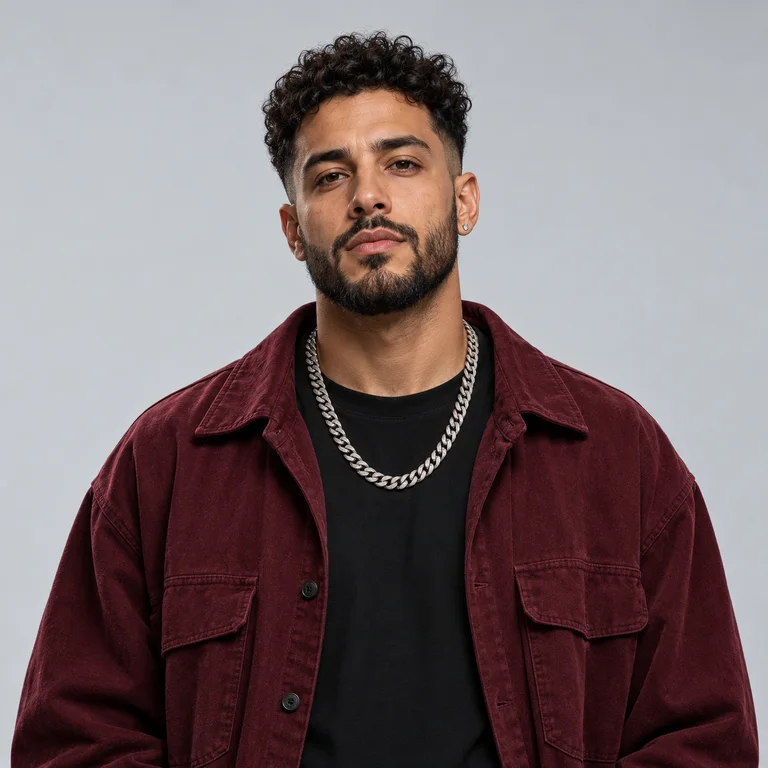
Use a clear, front-facing photo with the full head visible and simple lighting.
Convierte dos fotos en una actuación de dúo dentro del estudio naranja: un micrófono, dos artistas y una cámara que sigue el ritmo.
Crear mi video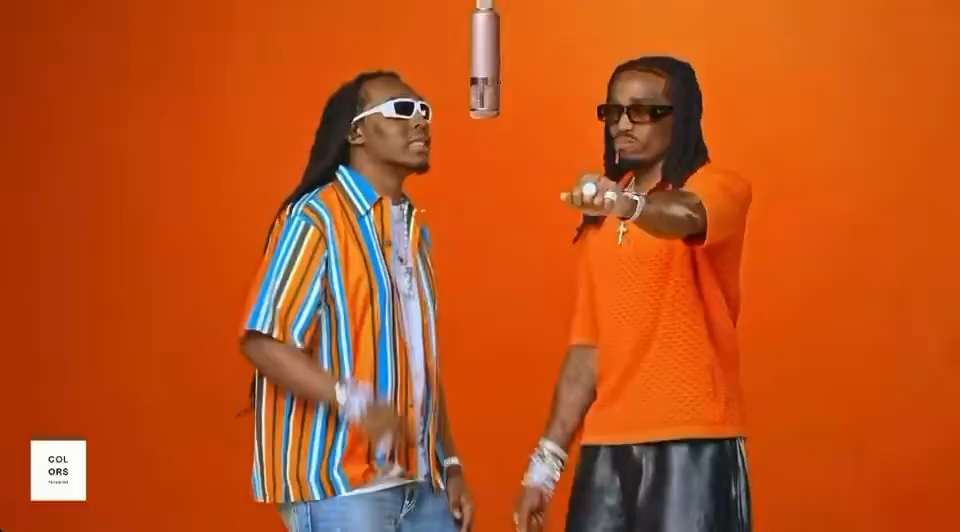
Cada retrato conserva una identidad distinta mientras se mantienen el estudio, el ritmo de cámara y la estructura del dúo.
El efecto sigue un arco de 30 segundos y usa los momentos más intensos en las duraciones cortas.
Both performers enter the orange studio and find the hanging microphone.
The camera alternates between close-ups while each performer takes a line.
Gestures, reactions and side-by-side movement make the performance feel shared.
A wider final take lands the hook with both performers in frame.
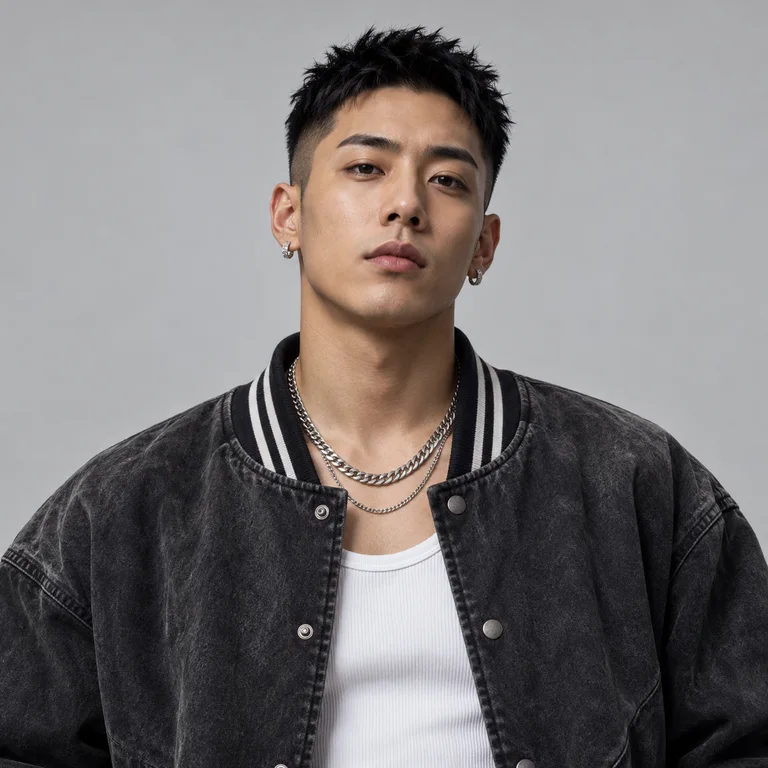
Cada carga corresponde a un artista diferente. Usa personas distintas y rostros sin obstrucciones.
Use a clear, front-facing photo with the full head visible and simple lighting.
Choose a different person in a similarly framed photo so both identities stay distinct.
Elige el efecto Hotel Lobby.
Añade una foto clara de cada artista.
Selecciona duración y formato, y genera el video.
It turns two portrait photos into a staged AI rap performance inspired by a minimal orange studio and a shared hanging microphone.
You need two photos, one for each performer. Separate photos give the model a clearer identity reference for each role.
You can create a 5-second preview, a 15-second clip, or a video up to 30 seconds, depending on the option you choose.
Use sharp, well-lit portraits with an unobstructed face. Avoid group photos, sunglasses, heavy blur and cropped foreheads.
Yes. When generation is complete, the result is saved to your history and can be downloaded as a video file.