Lead performer
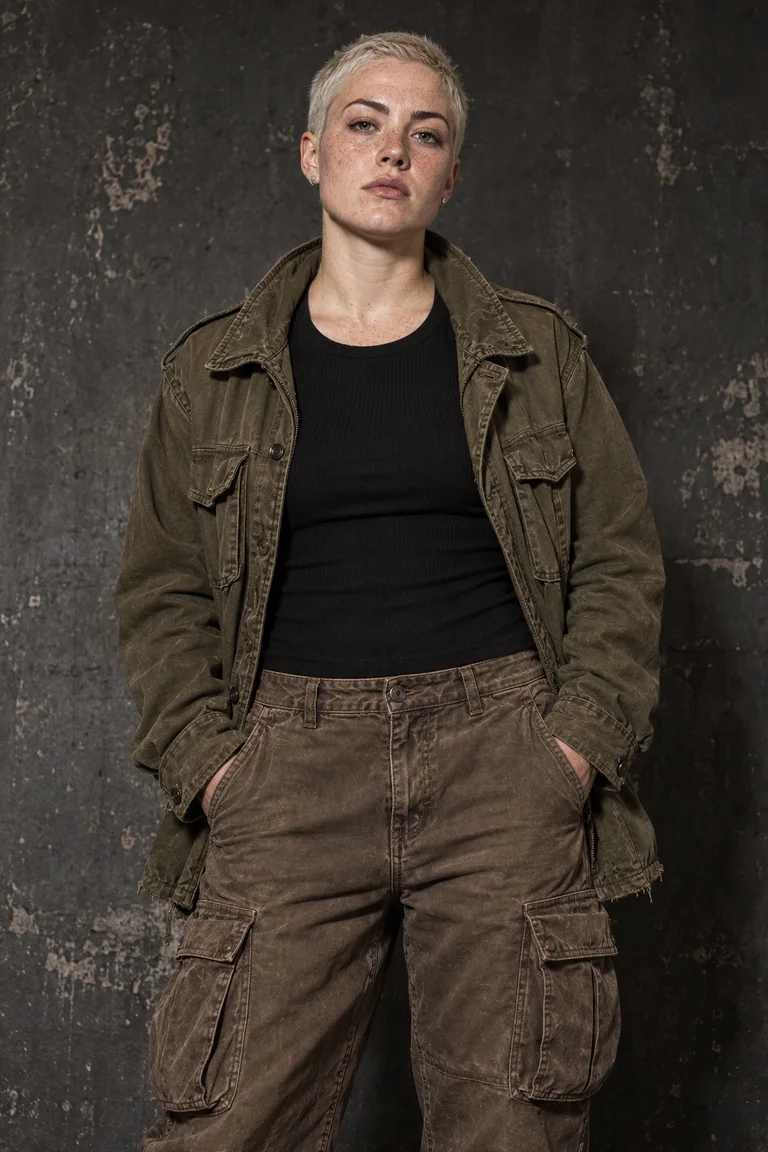
Use a clear, well-lit portrait with the face and hair visible. A simple background works best.
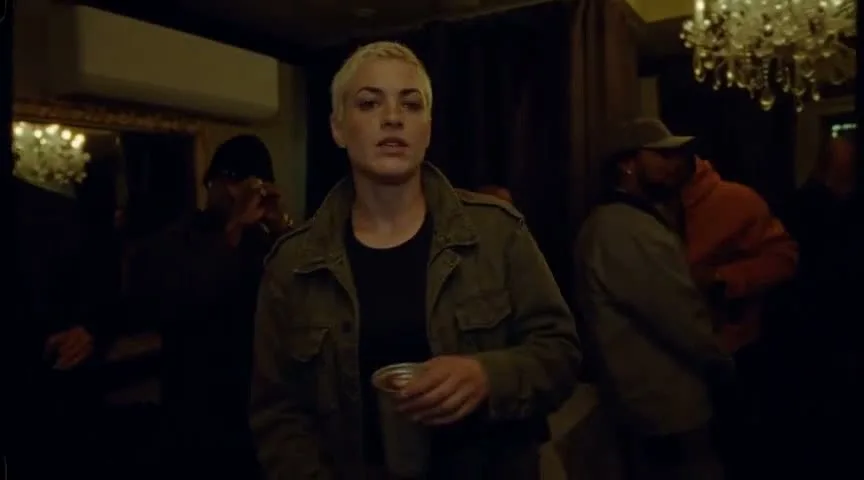
Step into the chandelier-lit party. One photo puts you in the lead, with the silver cup, camera movement and crowd around you.
Create your party video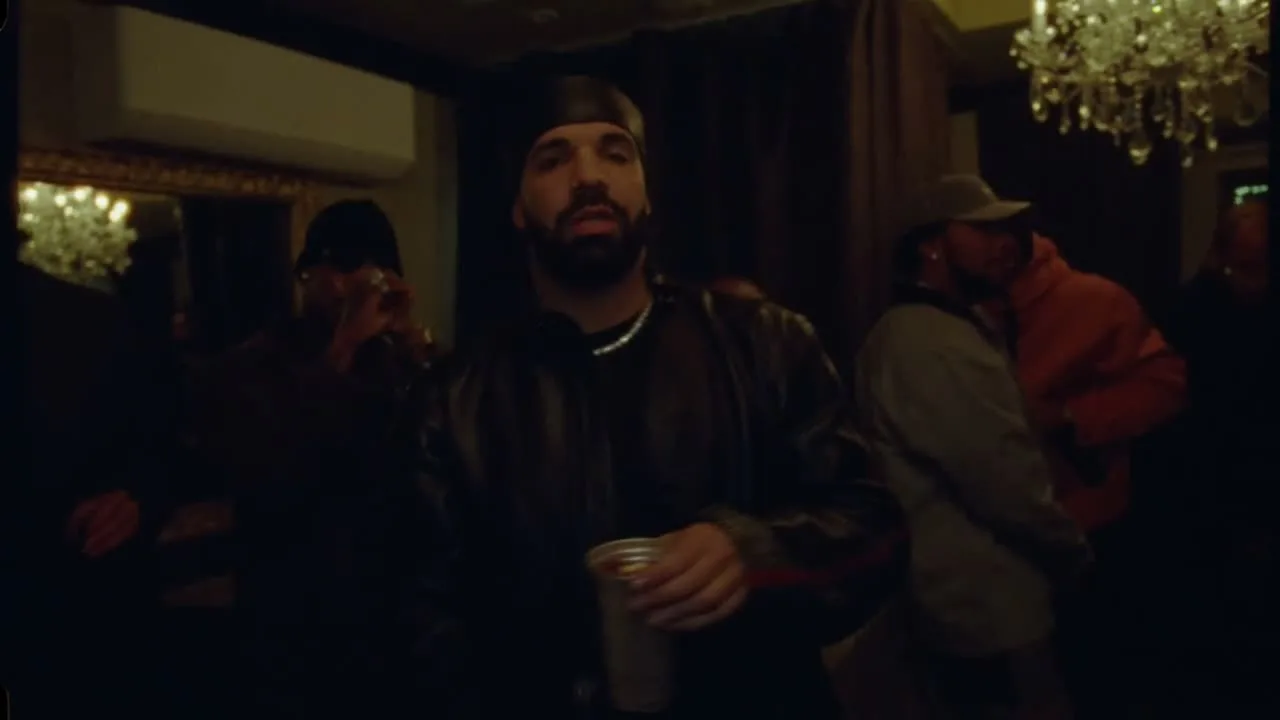
See how a portrait can take the lead at the party. This is a visual reference; your result may differ.
Watch the original party performance, then choose a 5, 15 or 30 second video above.
The lead faces the camera, with the silver cup and chandelier-lit room in view.
Hand gestures and reactions from the guests carry the performance.
Close gestures and movement toward the lens keep the party personal.
The original camera follows the lead and the friends around them, in sequence.
Upload a photo of one person to replace the lead performer.
Use a clear, well-lit portrait with the face and hair visible. A simple background works best.
Preview the party and choose your clip length.
Upload one clear photo, or try the sample portrait.
Choose your framing, generate, then download your result.
It uses the original dinner-party performance as a reference and replaces the foreground lead with the person in your photo. ReclipMuse is not affiliated with Drake or his label.
One photo of one person. Use a well-lit face with no sunglasses or heavy obstruction; you do not need photos for the background guests.
Choose 5, 15 or 30 seconds. Kling 4.0 generates one complete video, including the full 30-second option, with one download. Choose 720p or 1080p.
The video follows the original party setting and camera movement. Details such as hands and overlapping people may look different.
Yes. Completed videos are saved in your history, where you can play and download them.